

What Should a Business Website Contain in 2026
Introduction
Your business website is often the first place a potential customer encounters your company. And you only get one shot at a first impression. Yet I still come across websites where basic contact details are missing, pages take forever to load, or it's simply unclear what the company actually does.
This is a practical checklist for anyone who runs a business website or is having one built. We'll cover everything from legal requirements through content to the technical minimum. No rocket science - just common sense backed by experience.
⚖️ Mandatory Legal Requirements
Let's start with the least exciting topic that can save you a lot of headaches. Laws vary by country, but most jurisdictions require certain information to be displayed on business websites. And fines for non-compliance aren't trivial.
At minimum, your website should display your business name, registration number, and registered address. For limited companies, you'll also need your company registration details. These typically go in the footer or on a dedicated "Legal Information" page. Either works, just make sure they're there.
Then there's GDPR (or equivalent privacy laws) - if you collect any personal data (and you do, even with just a contact form), you need a privacy policy on your website. Don't just copy a generic text from a competitor. The document should describe what data you collect, why, how long you keep it, and what rights visitors have.
And finally, the cookie consent banner. You need active consent from visitors before firing analytical and marketing cookies. Technical cookies (those necessary for the website to function) don't require consent.
✅ Legal Requirements Checklist
- ⏹️ Business name and registration number in the footer
- ⏹️ Registered address
- ⏹️ Company registration details (for corporations)
- ⏹️ Privacy policy (
GDPRcompliance) - ⏹️ Functional cookie consent banner with opt-out
- ⏹️ Terms and conditions (if selling online)
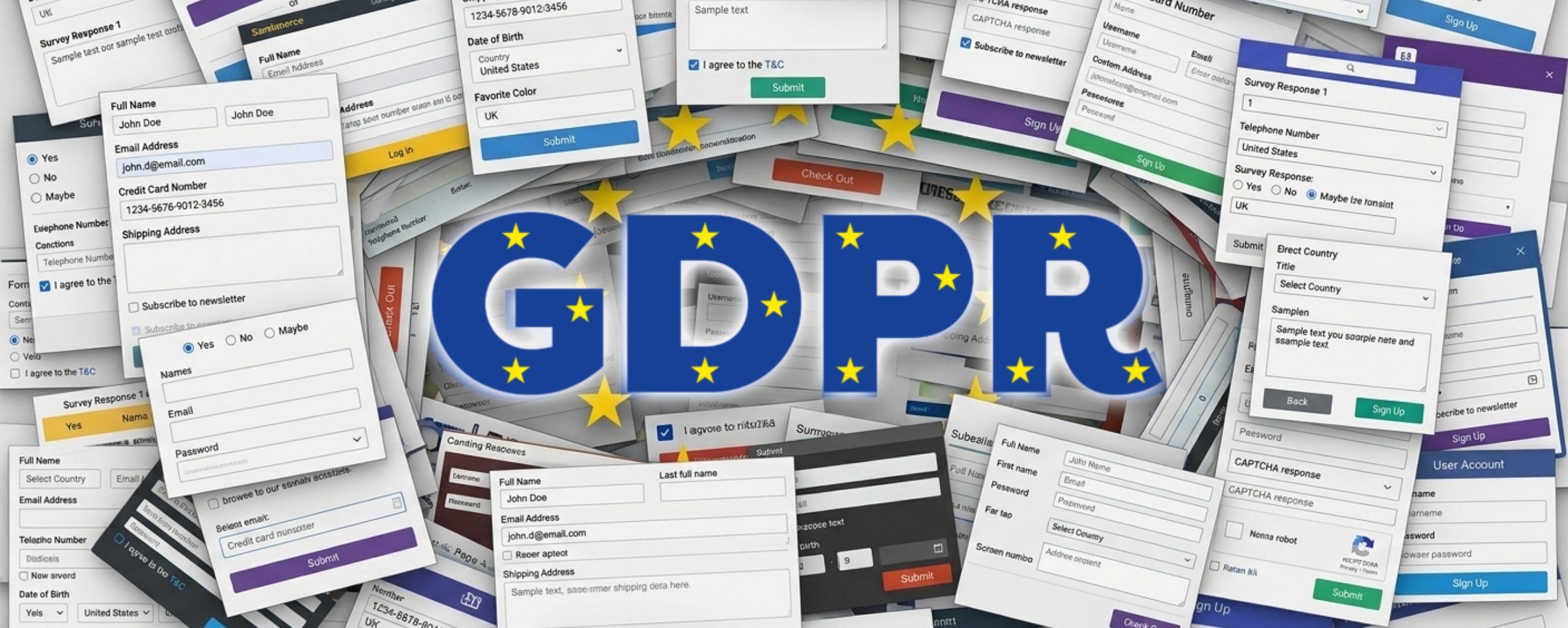
GDPR on Your Website - What You Must Comply With in 2026
📞 Contact Information and Map
Sounds obvious, but the number of business websites where it's hard to find a phone number or address is alarming. Contact details are among the most sought-after information on any business website. If visitors can't find them within seconds, they'll go to your competitor.
Phone and email should be visible immediately - ideally in the header or at least in the footer on every page. Especially the phone number. A lot of people (particularly older generations) just want to call and don't want to fill out a form. Don't forget that on mobile, the phone number should be tappable to initiate a call.
A dedicated contact page should include all ways to reach you - phone, email, contact form, address, and a map. If you have a physical location, a map is essential. A Google Maps embed is free and takes minutes to implement.
If your business has opening hours, display them on the contact page and in the footer. And keep them up to date. Few things are more frustrating than arriving at a closed shop because the website had wrong hours.
✅ Contact Information Checklist
- ⏹️ Phone number in header or footer (tappable on mobile)
- ⏹️ Email address
- ⏹️ Contact form
- ⏹️ Office/business address
- ⏹️ Map (Google Maps or equivalent)
- ⏹️ Opening hours (if applicable)
- ⏹️ Social media links
🎯 Services and Products
This is the core of your entire website. Visitors need to understand within seconds what you do and who you do it for. You know that feeling when you land on a website and after a minute of scrolling you still have no idea what the company does? That's exactly what you want to avoid.
Each service or product should have its own page (or at least its own section). That page should clearly state what the service includes, who it's for, and what problem it solves. Avoid corporate jargon and marketing fluff. Write like you'd explain it to a friend over a beer.
Don't be afraid to list approximate prices. Many companies hide their pricing because "it depends on the project." If you're curious about how much a website actually costs, I have a dedicated article on that. I get it, but customers want at least a ballpark. Write "from $X" or "typical projects range between X and Y." You'll save time for both sides - if your price range is out of their budget, you won't waste each other's time on a call.
If you offer multiple services, put an overview with short descriptions and links to details on the main page. Visitors should know within 10 seconds of scrolling what you're good at.



⭐ Testimonials and Case Studies
You can write about how great you are all day, but it's far more convincing when someone else says it. Testimonials and case studies are among the strongest trust-building tools on a business website.
The simplest format is customer quotes - a short text, name, company, ideally a photo. The more specific the quote, the better. "Great collaboration" convinces nobody. "Our inquiries went up 40% in the first quarter after the new website" - that's a different league.
If you have the capacity, invest time in case studies. Describe the client's problem, your solution, and the results. It doesn't have to be a novel - a few paragraphs will do. Case studies also work great for SEO because they're unique content full of relevant keywords.
Another option is client logos. If you've worked with well-known brands, show it. A row of recognizable logos immediately builds credibility. Just make sure you have the client's permission first.
✅ Testimonials Checklist
- ⏹️ At least 3-5 client quotes
- ⏹️ Specific results (numbers, percentages)
- ⏹️ Name and company for each reference
- ⏹️ Case studies (at least 2-3)
- ⏹️ Client logos (with permission)
👤 About Us
The "About Us" page is surprisingly one of the most visited pages on business websites. People want to know who they'll be working with. Especially for smaller companies and freelancers, this is often the deciding factor.
Write about who you are, what drives you, and why you do what you do. You don't need a biography from kindergarten, but a short story of how you got into the field works brilliantly. People buy from people, not companies. If you're a small business or freelancer, this is your advantage over corporations - use it.
Team photos (or your own, if you're a one-person business) significantly boost credibility. A quality photo doesn't have to come from a professional shoot - a decent portrait with good lighting will do. But definitely not a vacation selfie.
If you have any certifications, awards, or professional memberships, list them here. Same goes for years in business, number of completed projects, or other numbers that support your credibility.
🔘 Calls to Action (CTA)
A website without clear calls to action (CTA) is like a shop without a checkout. Visitors browse what you offer, and then... what? You need to tell them what to do next.
Every page should have at least one CTA. On a services page, it could be "Get a Free Quote" or "Book a Consultation." On a blog, "Read Another Article." On the homepage, your most important action - typically contact or inquiry.
A CTA should be visually prominent - a button in a contrasting color, large enough, with clear text. "Submit" is a bad CTA. "Get a Free Quote" is much better - it tells the visitor exactly what happens after clicking.
Don't overdo it. When there are ten different buttons on a page, visitors won't know where to click and won't click anywhere. Choose one primary CTA per page and optionally one secondary.


⚙️ Technical Minimum
Content is king, but if your website displays poorly on mobile or takes 8 seconds to load, even the best copy won't help.

📱 Responsive Design
In 2026, over 70% of visitors come from mobile devices. Open your website on your phone and try to find contact info, pricing, and submit an inquiry. Takes more than a minute? You have a problem.

⚡ Loading Speed
Google recommends under 2.5 seconds. Biggest killers - unoptimized images, unnecessary plugins, and cheap hosting.

🔍 Basic SEO
Unique title tag and meta description on every page. Alt texts on images. Readable URL addresses. SSL certificate (HTTPS).
✅ Technical Minimum Checklist
- ⏹️ Responsive design (works on mobile)
- ⏹️ Loading speed under 3 seconds
- ⏹️
SSLcertificate (HTTPS) - ⏹️ Unique title tags and meta descriptions
- ⏹️ Alt texts on images
- ⏹️ Readable
URLaddresses - ⏹️ Working forms (tested!)
- ⏹️ Website backups
- ⏹️ Google Search Console connected
- ⏹️ Google Business Profile (for local businesses)
🚫 What Your Business Website Doesn't Need
Knowing what to put on your website is just as important as knowing what to leave out. Many business websites suffer from trying to be everything at once.

🔇 Auto-Playing Media
Video on a website is fine, but let visitors decide whether to play it. Sound without warning = closed tab.

📝 Dead Blog
A blog with the last post from 2023 looks worse than no blog at all. Can't write at least once a month? Better not to start one.

🔢 Unnecessary Widgets
Visitor counters, weather widgets, ticking clocks. Every element on your website should have a purpose.

📸 Generic Stock Photos
You know exactly which ones I mean. Four people in suits smiling over a laptop. Better to use quality illustrations or your own photos.
Conclusion
A business website doesn't have to be complex or expensive. But it must contain the basic elements that let visitors quickly figure out what you do, why they should trust you, and how to reach you. Go through the checklists in this article and compare them with your current website. I bet you'll find at least a few things you can improve.
Start with the most important stuff - contact details, service descriptions, legal requirements. Then gradually add testimonials, fine-tune your CTAs, and take care of the technical basics. You don't have to do everything at once, but have a clear plan for where the website is heading.
And if you're not sure whether your website works well, try a simple test - send the link to someone who doesn't know your company and ask them to figure out within 30 seconds what you do and how to contact you. If they can't, it's time for a change.
Useful Links
- Google Search Console - free tool for monitoring your website's search visibility
- PageSpeed Insights - Google's website speed and performance testing tool
- Schema.org - structured data markup reference for better SEO
- Image Compressor - online image compression for faster page loading
- Cookie Consent by Osano - open-source cookie consent solution
Get in touch - the first consultation is completely free.
Newsletter
Stay in the loop
Get notified about new articles and tips. No spam.
You might also like
Sharing knowledge is a loving expression of care for the community. Let's learn something new together.
How much does a website cost in 2026 - complete pricing guide
Real prices for websites, e-shops and web applications in 2026. What affects the price, hidden costs and how to compare quotes.
Read more
How to Choose a Web Developer - A Practical Guide
What to look for when hiring a developer or agency for your website. Red flags, questions to ask, and how to spot quality work.
Read moreGDPR on Your Website - What You Must Comply With in 2026
A practical GDPR checklist for website owners. Cookies, forms, privacy policy, and common mistakes to avoid.
Read more